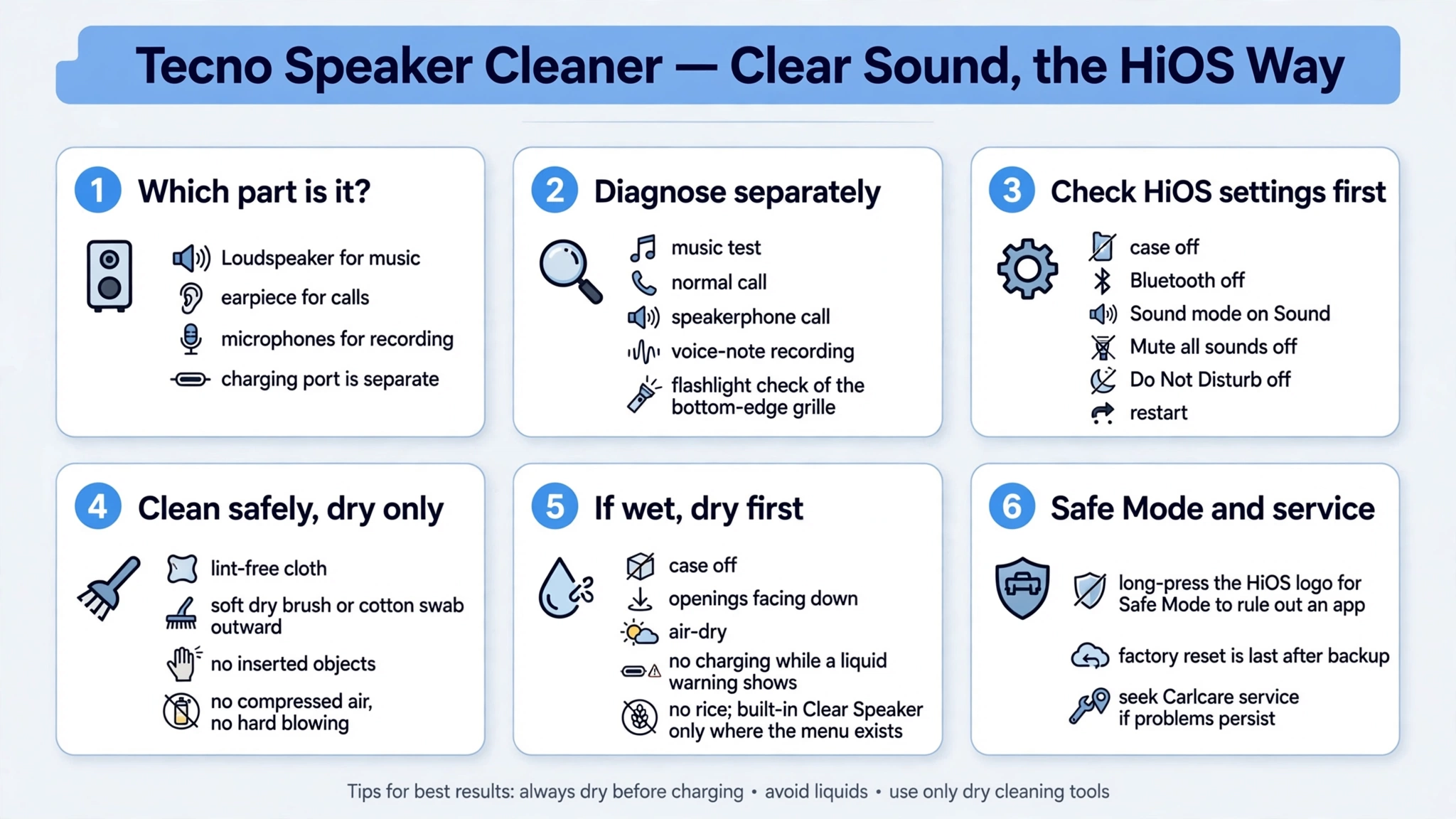
Rain rarely drowns a phone in one moment. It wets it gradually: droplets on the screen, water running into the speaker grille, a damp pocket, a wet bag, and a phone that keeps being used while it is still wet. That pattern is why a phone that never went underwater can still sound muffled after a rainy walk, and why the right response is calm and proportionate. For light rain, the job is to stop adding water, wipe the outside, dry each part with airflow, and wait before charging. For a phone that was soaked, dropped in a puddle, or left in standing water, the submersion steps apply instead, even if the water came from the sky.
Grade the exposure before you act
Light rain wetting means brief exposure to falling rain, droplets on the outside, and a phone that still works normally in every other way: screen responsive, no restarts, no heat, no charging alert. The speaker may sound muffled because droplets sit on the grille, but the phone itself behaves normally. This is the case this guide is mainly for.
A soak means something more: the phone was in heavy, wind-driven rain for a long time, sat in a puddle, fell into standing water, or spent hours in a soaked pocket or bag. Signs include water visible in the charging port, a liquid or debris alert, a screen that misbehaves, unexpected restarts, or sound problems combined with charging problems. A soak should be treated like submersion: power off if you suspect liquid inside, do not charge, dry with airflow, and seek inspection if anything stays wrong. Do not let the fact that the water was rain make a soak seem minor.
Also consider where the phone was carried. A phone in a hand during rain gets droplets; a phone in a wet trouser pocket or a soaked bag stays damp against the grille and port for much longer, with less airflow. If the pocket or bag is still wet, take the phone out of it: leaving a damp phone in a damp pocket undoes the drying you are trying to do. The same applies to a wet case: remove it, dry it separately, and do not put it back on until both the case and the phone are dry.
First minutes after rain: stop, unplug, wipe
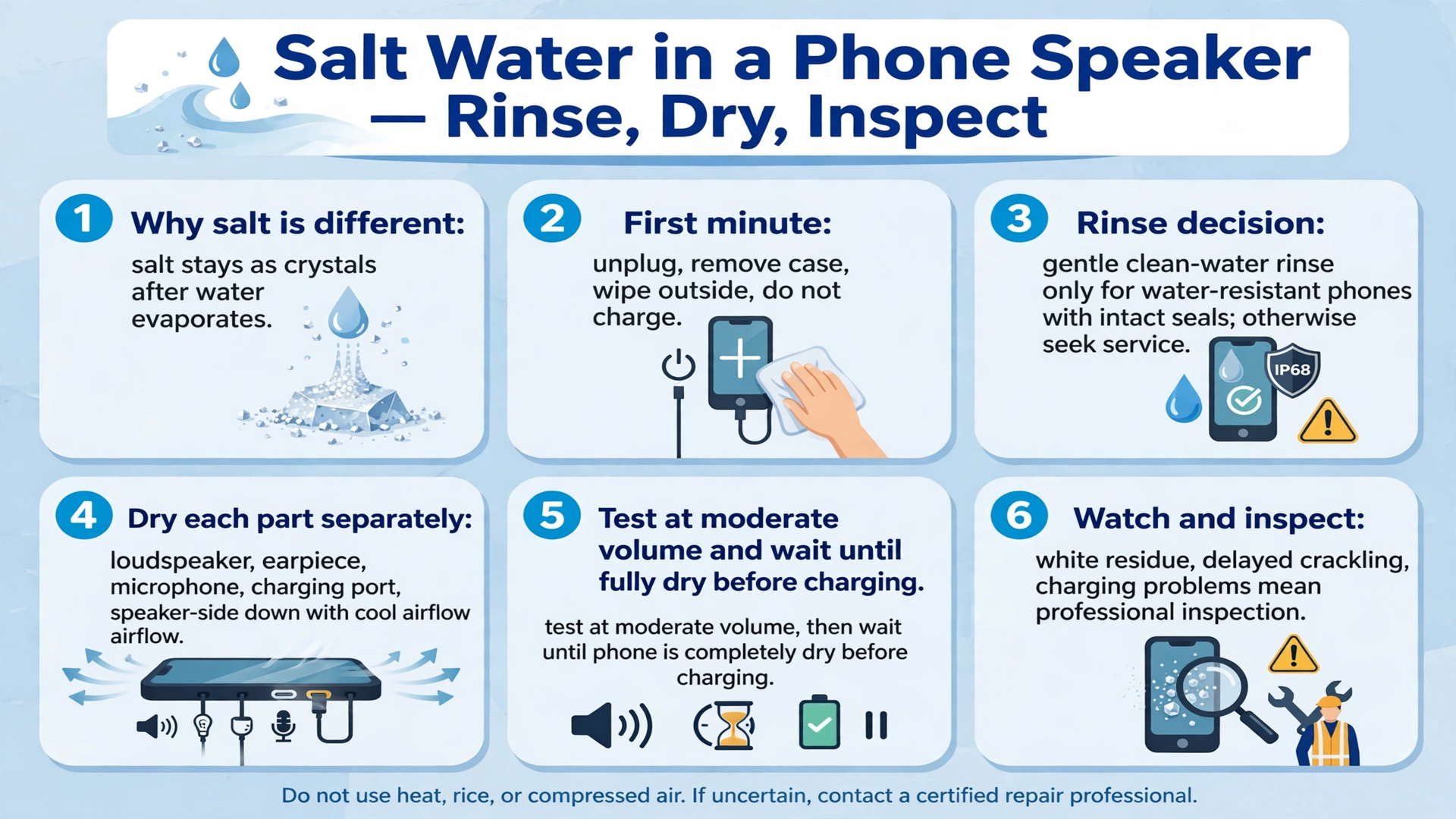
As soon as you are out of the rain, unplug every cable and accessory. Do not plug in a charger to check the phone, and do not connect headphones or a cable while any opening may be wet. A working speaker does not prove the charging port is dry, and charging a wet port is the fastest way to turn a light rain problem into port damage.
Remove the case and wipe the whole outside with a soft, lint-free cloth, including the speaker grille, earpiece slot, microphone opening, and charging port area, from the outside only. Do not insert a cotton swab, paper towel, pin, or toothpick into any opening. Do not shake the phone violently, and do not blow into the openings: gentle tapping with the connector facing down, as Apple describes, is enough to remove excess liquid, while vigorous shaking can move water from the speaker cavity toward other parts.
If the phone is working normally, you can leave it on for wiping and drying, but power it off if you suspect liquid inside, if the screen behaves oddly, or if the phone was soaked. Do not put the phone in rice, do not use a hair dryer, and do not place it on a radiator or in direct hot sunlight. Heat can damage adhesives, seals, and the battery, and rice grains and starch dust can enter the port and grille while a sealed bag cuts the airflow that actually helps drying.
Drying each part separately
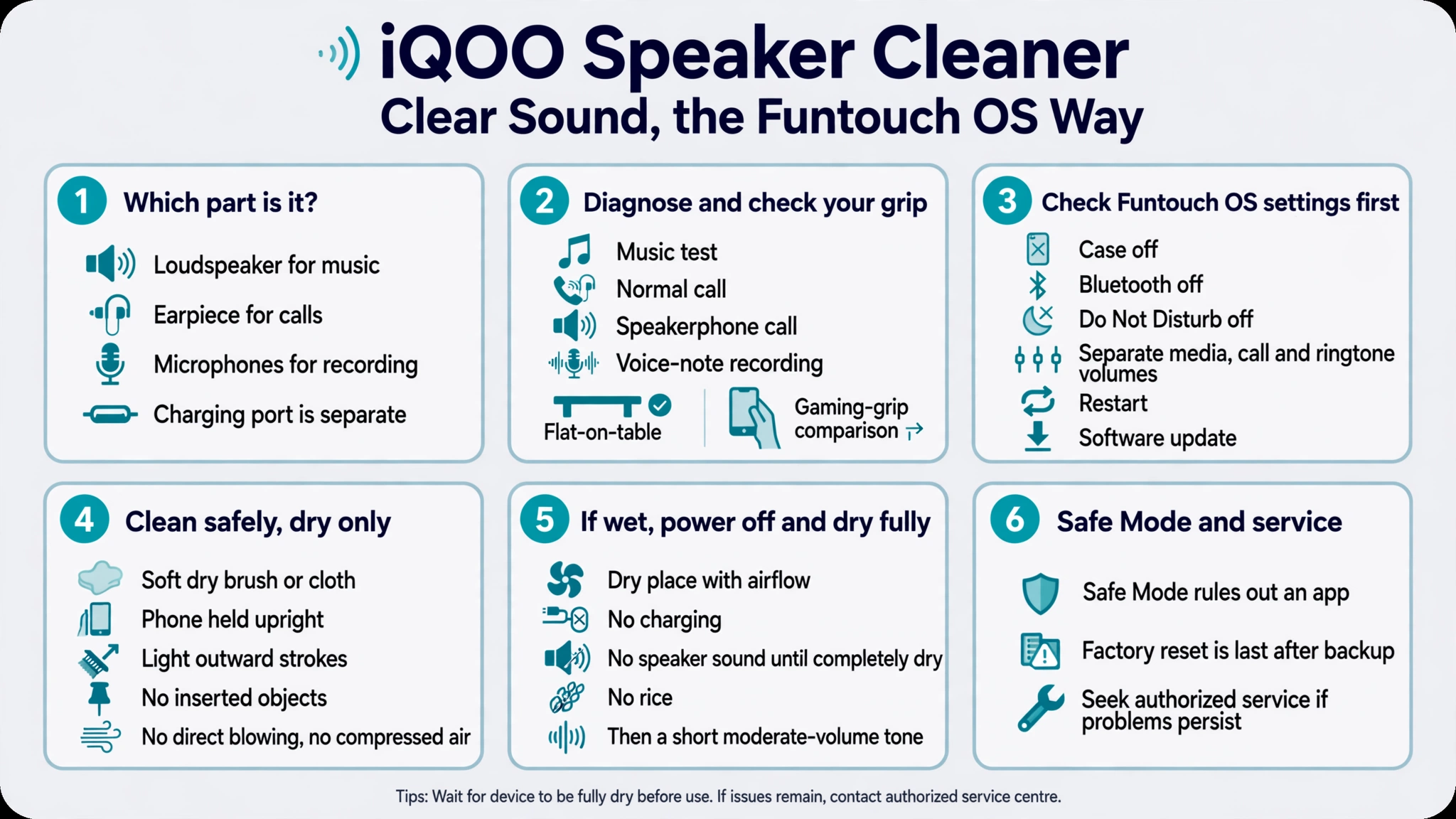
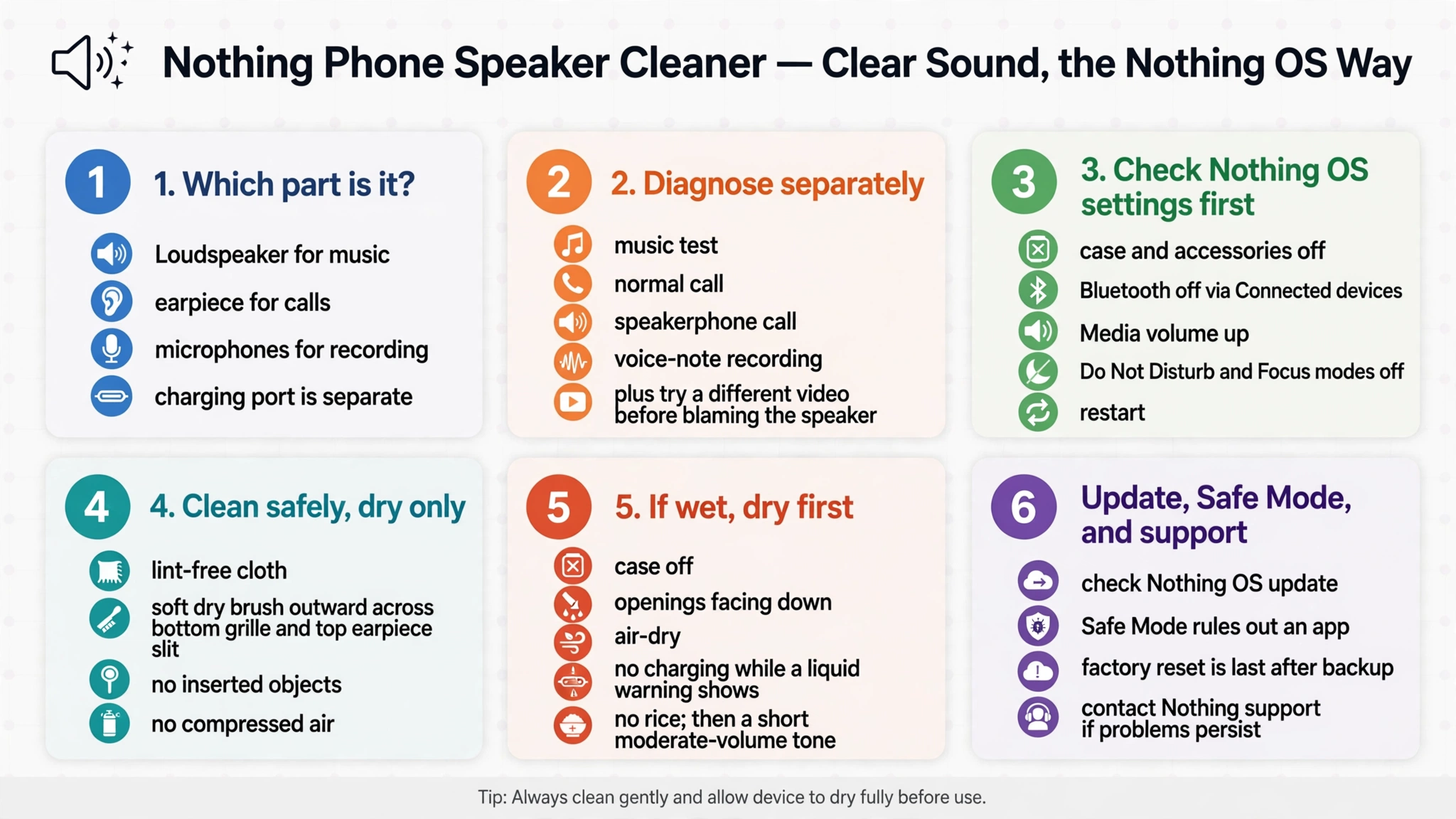
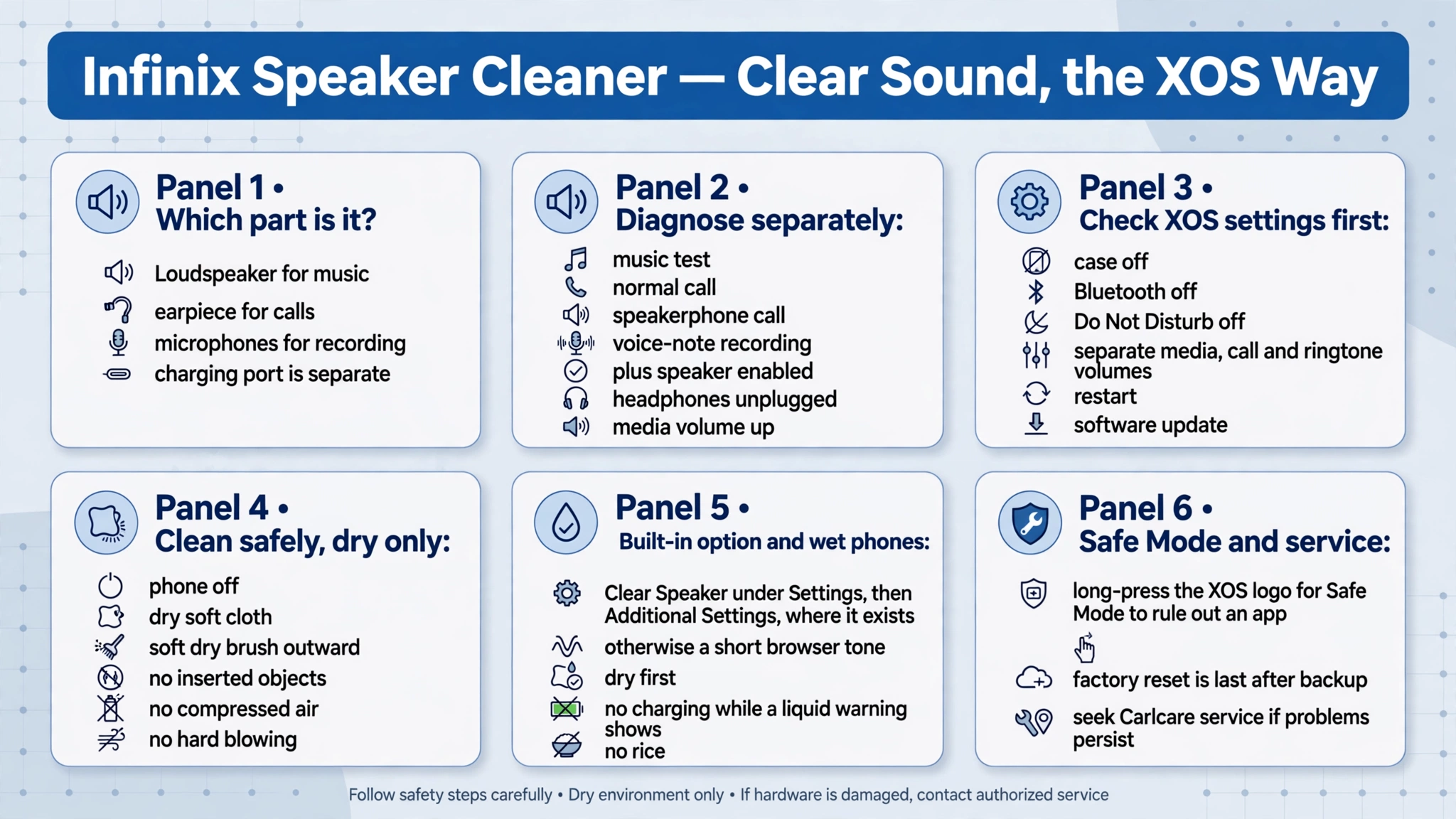
Rain wets four parts differently, and they should be checked separately. The loudspeaker, usually at the bottom edge, plays music and speakerphone calls. The earpiece, a smaller slot at the top, is used for normal calls. The microphone records your voice and is a separate opening that sound cannot clean. The charging port is a fourth part that sound does not dry at all. A muffled loudspeaker with a clear earpiece, or the reverse, tells you where water remains.
Place the phone speaker-side down on a lint-free cloth in a dry, ventilated room, as Apple describes for checking water in the speaker or microphone. A fan blowing cool air toward the openings can help evaporation. Give the phone time: a light rain wetting often improves within a few hours of airflow, but complete drying can take longer, especially in humid weather or if the phone was in a wet pocket. Apple states to allow at least 5 hours before charging with a cable after liquid exposure for iPhones, and that complete drying can take longer; follow your own maker’s guidance for your model, and do not charge until the phone and port are both dry and no liquid alert is showing.
While drying, avoid the temptation to test repeatedly at high volume. A short test at moderate volume, once the outside is dry, is enough to judge progress. Play a short spoken-word clip with Bluetooth disconnected, and note whether music, speakerphone, and normal calls are affected differently. Record a short voice note and play it back to test the microphone. Look at the charging port in good light and check whether a cable would click fully into place, but do not insert a cable to test it until the port is dry.
When a short tone may help, and when it will not
After the outside is dry and the port is dry, a short water-eject tone at moderate volume may help move remaining moisture near a speaker opening. Use the site’s water-eject tool, hold the speaker facing down, run one short cycle, wipe away any droplets that appear, and then rest the phone before testing again. Keep the volume moderate and the cycles few: one or two short cycles with rest in between are a check, not a drying program.
A tone will not dry the charging port, will not clear the microphone, will not remove dirt or grit washed in by rain, and will not repair a damaged speaker. If sound improves slightly and then worsens, if crackling appears at low volume, or if the phone was soaked rather than lightly rained on, stop repeating tones and give the phone more airflow time, or seek inspection. More playback is not a substitute for drying time, and loud, repeated playback can stress a speaker that is already muffled.
Rain can also carry dust, pollen, and road grit into the grille, especially in wind. If the speaker stays slightly dull after drying and a short tone, a light dry brushing of the outside grille with a soft, dry brush, using light outward strokes, may lift surface material. Do not press into the mesh, do not use liquid cleaners in the openings, and do not use compressed air. If brushing does not help, or if grit looks packed in the mesh, seek professional cleaning rather than stronger home methods.
Rain-specific traps: wet pockets, bags, and continued use
The most common rain mistake is not the rain itself but what happens afterward. A phone wiped once and then put back into a wet pocket, a damp jacket, or a soaked bag keeps absorbing moisture at the grille and port. Dry the pocket or bag, or move the phone to a dry place, before the drying clock can really start. The same applies to a wet case: a case that holds water against the phone defeats wiping.
Continued use while wet is another trap. Taking calls with a wet earpiece, playing music at high volume through a wet loudspeaker, and charging through a wet port all add stress while water is still present. Give the phone a drying break: no charging, no high-volume playback, and no calls that matter until the outside is dry and a moderate-volume test sounds clear. If you must take a call, use a separate headset or speaker only once the phone itself is dry enough to operate safely, and keep the call short.
Temperature changes add a further wrinkle. Coming indoors from cold rain into a warm, humid room can cause condensation on and inside the phone, prolonging dampness at the grille. A dry, ventilated room at a stable temperature, with cool airflow, is better than a hot, steamy bathroom or a sunny windowsill. Do not seal the phone in a bag to “keep it warm”: trapped humidity slows evaporation.
Warning signs that rain exposure was worse than it looked
Most light rain cases improve steadily with airflow and a short tone. Seek inspection promptly if any of these appear: sound that stays muffled or distorted after full drying, crackling at low volume, a charging failure or a liquid alert that will not clear, a phone that restarts or heats up unusually, a screen that misbehaves, or a microphone that stays muffled while the speaker recovers. A combination of symptoms — for example, a muffled speaker plus a charging problem — points beyond a droplet on the grille and toward liquid inside the phone.
Also watch over the following days. A speaker that recovers and then crackles again, or a port that charges intermittently, can indicate residue or corrosion from rainwater that carried dirt or road chemicals. Rain is usually fresh water, but rain that runs off roofs, roads, or trees can carry contaminants, and a phone that was soaked in that runoff deserves the same caution as a phone exposed to dirty water. Tell a technician when the exposure happened, how long it lasted, whether the phone was in a pocket or bag, and which parts sound or charge wrong.
Preventing the next rainy-day muffle
Prevention for rain is simple and worth building into a habit. Use a sealed pouch or a waterproof case when rain is expected, keep the phone in an inside pocket rather than an outside one, and wipe it promptly once you are indoors, even if it looks only slightly damp. Do not charge the phone immediately after coming in from rain: give it airflow time first, and check the port in good light before plugging in.
After any rainy outing, make a quick check part of the routine: case off, wipe, speaker-side down on a cloth for a while, and a short moderate-volume test before the next important call. That routine catches a wet grille early, when drying alone is enough, and avoids the two errors that turn rain into damage: charging too soon, and ignoring a muffled speaker until it becomes a permanent fault.
Light rain does not have to damage a phone speaker, but it does deserve a proper drying sequence. Grade the exposure honestly, unplug and wipe promptly, dry each part with cool airflow, test at moderate volume, and seek inspection if anything stays wrong. That is the whole job, and it is enough for most rainy days.
FAQ
Why does my phone speaker sound muffled after rain if it never went underwater?
Droplets on the speaker grille change how the diaphragm moves air, so even a light wetting can muffle sound. A phone in a wet pocket or bag also stays damp longer, because airflow is restricted. Wiping and ventilated drying usually restore clarity.
How long should I wait before charging after rain?
Until the phone and charging port are completely dry, with no liquid alert. Apple states at least 5 hours before cable charging for iPhones after liquid exposure, and complete drying can take longer. Follow your own maker’s guidance and do not charge a wet port.
Will a water-eject tone dry my phone after rain?
It may help move light moisture near a speaker opening, but it does not dry the charging port, the microphone, or the inside of the phone, and it does not repair damage. Use one short cycle at moderate volume after the outside is dry, then rest the phone.
Should I put my rain-wet phone in rice?
No. Rice does not move droplets from the speaker grille, and grains and starch dust can enter the port and grille. A dry, ventilated place with cool airflow is the safer drying method.
What is the difference between light rain and a soak?
Light rain means brief droplets on the outside and otherwise normal behavior. A soak means heavy or prolonged rain, a puddle or standing water, a soaked pocket or bag, or any charging, screen, or restart problem. Treat a soak like submersion and seek inspection if anything stays wrong.
Why does my earpiece sound fine but music sounds muffled after rain?
The loudspeaker and earpiece are different parts. Rain may have wetted one more than the other. Test music, speakerphone, and normal calls separately, and dry the phone speaker-side down with airflow before judging.
Can rain carry dirt into the speaker?
Yes, especially wind-driven rain, which can carry dust, pollen, and road grit. If sound stays slightly dull after drying, a light dry brushing of the outside grille may help. Do not press into the mesh or use compressed air.
When should I seek professional help after rain?
If sound stays muffled or distorted after full drying, if crackling appears at low volume, if charging fails or a liquid alert persists, if the phone restarts or heats up, or if the microphone stays muffled while the speaker recovers.
Related tools on this site
Related tools:
Related guides: