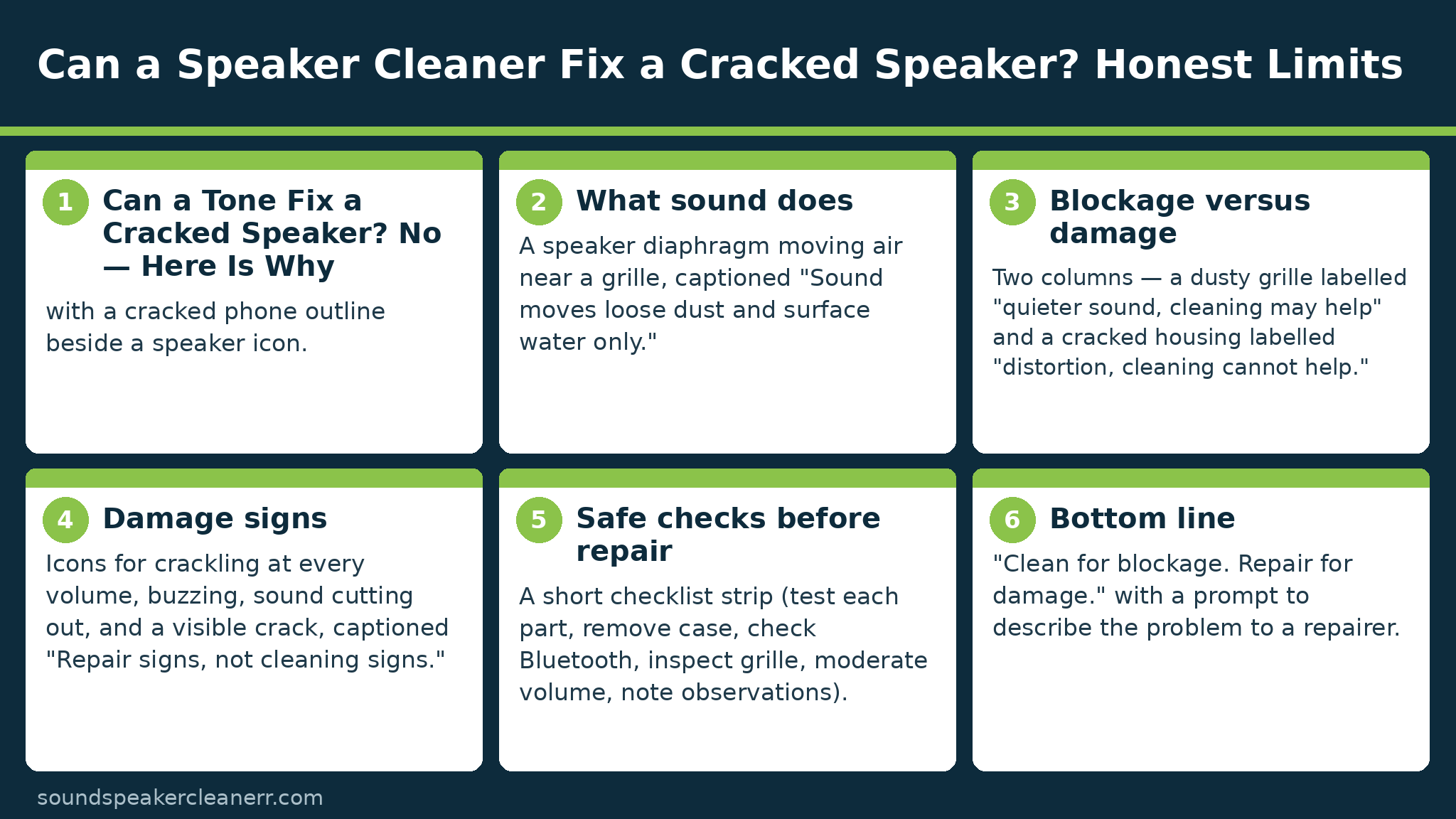
A speaker cleaner cannot fix a cracked speaker. Sound can sometimes move surface water or loose dust near the grille, but it cannot repair a torn diaphragm, a loose part, or a cracked housing. If the sound problem started with a drop or a visible crack, the honest next step is a repair check, not another cleaning cycle.
That answer disappoints people who hoped for a free fix, but it saves something more valuable: time spent on cleaning cycles that cannot help, and a speaker that could get worse if played loudly while damaged. This guide explains the difference between a blocked speaker and a damaged speaker, the signs that point to damage, and what to do next without making the problem worse.
What a cleaning tone actually does
A phone speaker produces sound by moving a small diaphragm back and forth. A cleaning tone uses that same movement, in a steady pattern, to push air near the speaker grille. That moving air can sometimes carry a droplet of water or a loose particle toward the opening. That is the entire mechanism, and it only works on material that is loose, near the grille, and able to move.
A tone cannot do anything to the structure of the speaker itself. It cannot close a crack, reattach a torn edge, reseat a loose component, reconnect a broken wire, or restore a diaphragm that has lost its shape. Sound is vibration, not glue, and vibration applied to an already damaged part can make the damage more obvious — a torn edge buzzes more when it moves, and a loose part rattles more when it vibrates. If a tone makes the sound worse, that is useful information, not a reason to run the tone longer or louder.
Blockage versus damage: the distinction that decides everything
Most speaker problems fall into one of two groups, and the right response depends on which group yours is in.
Blockage means something is sitting on or in the grille and muffling sound that the speaker itself is still producing normally. Loose dust, lint, or a droplet of surface water are blockage problems. The sound is usually quieter or duller, but not distorted in a new way, and it often changes after gentle cleaning or drying. Blockage is the only group where a cleaning tone has a plausible role, and even there it is limited to loose material near the grille.
Damage means something in the speaker or the phone's structure has changed. A cracked housing, a torn diaphragm, a loose internal part, a bent frame, or corrosion on a connection are damage problems. The sound is often distorted, crackling, buzzing, rattling, or missing at some volumes, and it does not improve with cleaning because there is nothing to clean away — the part itself is the problem. Damage is also the group where continued loud playback can be unwise, because you are asking a broken part to keep moving.
A useful question to ask is when the problem started. If the sound changed right after a drop, a knock, a crush in a bag, or a visible crack appeared, damage is the more likely explanation. If the sound changed gradually, after dusty or wet conditions, with no impact at all, blockage is more likely. Timing does not prove the cause, but it points you toward the right first step, and it stops you from spending days cleaning a speaker that needs a repair check.
What "cracked" can mean for a speaker
People use the word cracked for several different things, and they matter differently.
A cracked screen does not by itself damage the speaker, but a hard impact that cracks a screen can also shift or damage parts underneath, including the earpiece assembly near the top of the phone. If the earpiece sounds muffled after a screen crack, the cause could be a shifted part or debris from the repair, not the screen crack itself — a separate post-repair situation, and in the meantime the checks in Phone Speaker Troubleshooting apply.
A cracked speaker grille or housing means the structure around the speaker is broken. Even a small crack changes how sound escapes and can let dust and moisture reach parts that were previously protected. A tone cannot seal that crack, and playing sound through a cracked housing can let debris work deeper.
A torn or punctured diaphragm is damage to the moving part itself. The classic sign is buzzing, rattling, or scratching that appears at every volume, wet or dry, because the torn edge vibrates unevenly no matter how gently it moves. No cleaning method fixes a torn diaphragm, because the problem is the diaphragm's shape, not dirt on it.
A loose internal part — a component knocked out of position by an impact — often shows up as rattling that changes when you tilt or tap the phone gently, or as sound that cuts in and out. Again, sound cannot reseat a part. If tilting the phone changes the sound, that points away from blockage and toward something physical inside.
Signs that mean repair, not cleaning
Stop cleaning and arrange a professional check if you notice any of these:
- Distortion or crackling at every volume. Blockage usually makes sound quieter; damage makes it distorted. If the sound is scratchy even at low volume, the diaphragm or another part is likely damaged.
- Buzzing or rattling that cleaning does not change. A rattle that survives gentle cleaning and drying is more likely a torn edge or a loose part than dust.
- Sound that cuts out, or no sound at all. A speaker that works intermittently, or not at all, after a drop points to a connection or component problem, not a dirty grille.
- A visible crack, dent, or bent frame near the speaker. Visible structural damage means the speaker's environment has changed, and a professional should assess whether the speaker itself is also affected.
- A loud pop followed by silence during playback. Stop immediately if this happens during any tone or audio playback. Do not keep playing sound through the speaker.
- The problem started with an impact and never improved. Blockage often improves at least a little with cleaning or drying. Damage that never changes, even slightly, is telling you the cause is structural.
None of these signs means the phone is beyond repair. They mean the repair needs hands and parts, not sound. A repair shop can open the phone, inspect the speaker, and replace the damaged part — work that no browser tool or tone can do.
What you can safely check before the repair visit
A repair check does not mean you must do nothing first. These safe checks help you describe the problem accurately, and they rule out the simple causes without risking further damage:
- Test each part separately. Play music for the loudspeaker, make a call for the earpiece, and record a voice note for the microphone. Note which parts are affected and which are fine. A fault in one part only is useful information for the repairer. Use the Speaker Test tool to check left and right output, and the Mic Test tool for the microphone.
- Remove the case and check Bluetooth. A case can cover a grille, and audio routed to earbuds or a car system can look like a dead speaker. Rule these out before concluding the speaker is damaged.
- Inspect the grille in good light. Look for visible cracks, dents, or packed debris. Do not insert anything into the grille, and do not try to clean a cracked grille aggressively — you could push debris through the crack.
- Try one gentle clean only if blockage is plausible. If there was no impact and the problem looks like dust, a light dry brush and one short tone at moderate volume are reasonable. If there was an impact or a visible crack, skip the tone and go straight to a repair check — playing a damaged speaker loudly is not a diagnostic worth the risk.
- Keep the volume moderate. While you are testing, avoid maximum volume. A damaged speaker does not need to be stressed to prove it is damaged.
- Write down what you observed. When the problem started, whether it followed a drop, which parts are affected, and whether the sound changes with volume or phone position. That description helps a repairer diagnose faster.
What you should not do: open the phone yourself unless you have the tools and experience, use heat or liquids on a cracked phone, or keep running cleaning cycles in the hope that one more will fix a structural problem. Repeated loud tones on a damaged speaker can turn a small tear into a bigger one.
Why "it got a little better" does not mean it is fixed
Sometimes a damaged speaker sounds slightly better after cleaning, because cleaning removed dust that was adding to the problem. The underlying damage is still there, and the improvement can be misleading. If the distortion, buzz, or rattle returns, or if it never fully went away, treat the speaker as damaged rather than dirty. A temporary improvement is not a repair, and it is not a reason to delay a check — especially if the phone is still under warranty or the damage could let moisture in through a crack.
What to tell the repairer
A short, factual description saves time. Mention the impact or event that started the problem, whether there is a visible crack or dent, which speaker parts are affected, whether the sound changes with volume or position, and what cleaning you already tried. Mention any water exposure too, since a phone that was both dropped and wet may have two problems at once. Do not ask the repairer to "just clean it" if you suspect damage — ask for an inspection of the speaker and the surrounding structure, so the real cause is found rather than cleaned over.
The honest bottom line
A speaker cleaner is a tool for one narrow situation: loose water or loose dust near a grille on a speaker that is otherwise intact. A cracked speaker is outside that situation by definition. Sound cannot repair structure, and pretending otherwise wastes time and risks making the damage worse. The honest move is a short, safe check to rule out the simple causes, then a professional inspection for the structural ones. That is not giving up on the phone — it is giving the phone the kind of fix that can actually work.
FAQ
Can a speaker cleaner fix a cracked phone speaker?
No. A tone can move loose water or dust near the grille, but it cannot repair a crack, a torn diaphragm, a loose part, or a broken connection. A cracked speaker needs a professional inspection.
How do I tell blockage from damage?
Blockage usually makes sound quieter or duller and often improves with gentle cleaning or drying. Damage usually causes distortion, crackling, buzzing, or rattling at every volume and does not improve with cleaning.
What if the speaker buzzes at every volume?
Buzzing or rattling at every volume, wet or dry, points to a torn diaphragm or a loose part rather than dirt. Stop cleaning, keep the volume moderate, and arrange a repair check.
Can playing a cleaning tone damage a cracked speaker further?
It can make the symptom worse, because vibration moves an already damaged part. Avoid repeated or loud tones on a speaker you suspect is damaged, and stop immediately if you hear a pop followed by silence.
Does a cracked screen mean the speaker is damaged?
Not necessarily, but the same impact can affect parts underneath, including the earpiece. If sound changed at the same time as the screen crack, have the speaker checked along with the screen.
Should I try cleaning before a repair visit?
Only if blockage is plausible — no impact, no visible crack, and a dusty or wet history. If there was an impact or a visible crack, go straight to a repair check rather than running cleaning cycles.
Is a speaker that cuts in and out a cleaning problem?
Usually not. Sound that cuts out, or no sound at all after a drop, points to a connection or component problem. Cleaning a grille will not restore a broken connection.
What should I tell the repair shop?
When the problem started, whether it followed a drop, any visible crack or dent, which parts are affected, whether sound changes with volume or position, and what cleaning you already tried.
Leave a Reply