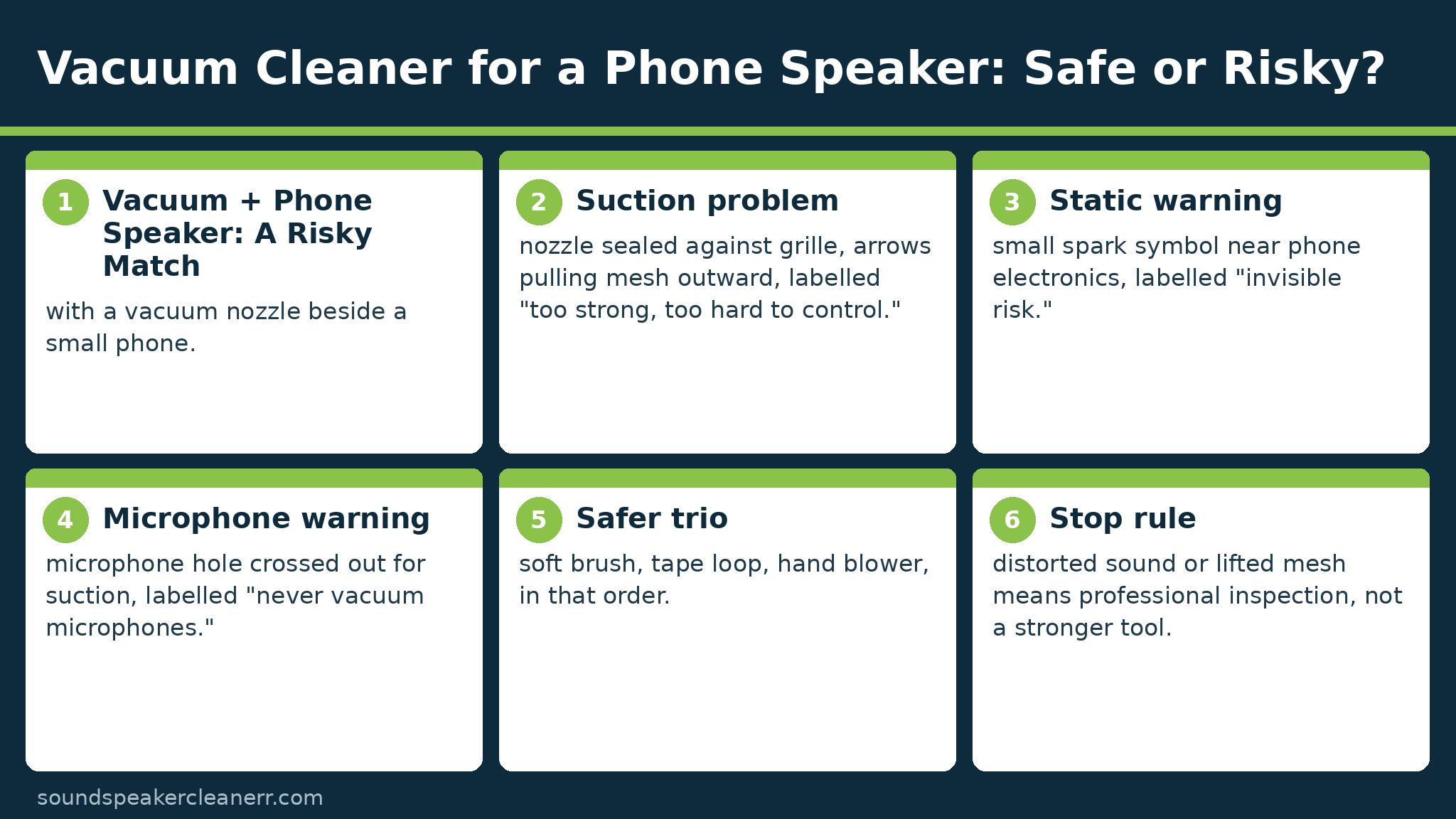
A household vacuum cleaner is not a safe way to clean a phone speaker. Its suction is far stronger than a speaker grille needs, it can generate static, and a sealed nozzle can stress the fine mesh and the parts behind it. Use a soft dry brush, low-adhesive tape, or a gentle hand blower instead, and check your phone maker's guidance before trying any suction tool at all.
Why the Idea Sounds Reasonable
The logic behind vacuuming a speaker is easy to follow. Dust sits in small holes, a vacuum pulls things out, so a vacuum should pull dust out of the holes. For a keyboard, a car seat, or a rug, that logic works well enough. Those surfaces are large, sturdy, and designed to tolerate suction.
A phone speaker is none of those things. The grille holes are tiny, the mesh is fine, and the speaker itself is a small, delicate moving part sitting just behind that mesh. The gap between "enough suction to lift surface dust" and "enough suction to stress the mesh or the speaker" is narrow, and a household vacuum gives you almost no fine control over where you land in that gap. That lack of control is the main reason this guide advises against it.
There is also a mismatch in scale. A household vacuum is built to move large volumes of air across floors and furniture. Even on a low setting, its airflow and nozzle size are designed for a different job. Holding that nozzle against a phone concentrates that airflow on a very small, fragile area.
The Suction Problem
Suction does not only pull dust outward. When a nozzle seals against a flat phone edge, it can create a pressure difference across the grille and the speaker behind it. The speaker diaphragm is designed to move with sound, not to be pulled hard in one direction by a vacuum seal. A brief, strong pull is unlikely to be helpful and could, in a worst case, disturb the mesh, loosen adhesive, or stress the speaker assembly.
The seal problem is easy to create by accident. If the nozzle rim sits flat against the phone, air cannot flow around it, so the vacuum pulls harder on the sealed area. If the nozzle is held at an angle with a gap, suction drops sharply and the vacuum may do little at all. Between those two extremes there is no reliable, repeatable safe setting on a household machine, because the machine was never designed for this task.
Small handheld vacuums are sometimes suggested as a gentler option. They are smaller, but "smaller" does not automatically mean safe. A handheld vacuum can still seal against a grille, still pull hard on a small area, and still generate static. If a specialised phone-cleaning tool uses gentle suction, that is a different product category with a different design, and even then the phone maker's guidance should be checked first. Do not treat a household handheld vacuum as equivalent to a purpose-built tool.
Static Electricity
Vacuum cleaners move large amounts of air and dust through plastic parts, and that movement can build up static charge. Phones contain sensitive electronics, and a static discharge is a risk that home cleaning guides rightly flag, even when the chance of a serious discharge in any single attempt is low. The problem is that the risk is invisible: you cannot see static building up, and you cannot tell from the outside whether a discharge has stressed a component.
This risk is one reason the safer methods are mechanical and gentle rather than powered. A soft brush, tape, or a hand-squeezed blower does not introduce the same static and airflow concerns. They work by lifting or dislodging surface dust, which is all that home cleaning should attempt in the first place. Anything that needs force to remove probably needs professional inspection, not a stronger home tool.
The Seal and Mesh Risk
Speaker mesh protects the speaker from dust, lint, and small debris. If suction pulls the mesh outward, loosens its adhesive, or tears a weakened section, the protection is reduced and more dust can enter later. That can turn a minor dust problem into a recurring one, where the speaker sounds worse over time even though each cleaning session seemed to help at first.
A damaged mesh is also hard to judge at home. A small lift or tear may not be obvious without magnification and good light. If you have ever used a vacuum on a speaker and the sound changed afterwards, do not repeat the method to try to fix it. Inspect the grille carefully, try only a gentle dry brush, and if the sound stays distorted or muffled, seek professional inspection. A technician can check the mesh and speaker properly and replace a damaged part if needed.
Microphones deserve an even stricter warning. Microphone openings are small and their internal membranes are sensitive to air pressure. Guides that discuss earbud and headphone cleaning explicitly warn against vacuuming microphones for this reason. The same caution applies to a phone: never aim vacuum suction at a microphone hole, and never assume a method that seems fine for a loudspeaker is fine for every opening on the phone.
What About Dust That Seems Stuck?
If dust does not come away with a brush or tape, the natural temptation is to escalate to a stronger tool. Resist that escalation. Dust that resists gentle methods is often packed under the mesh, mixed with skin oil or moisture, or sitting in a place that surface tools cannot reach. Stronger suction will not reliably solve any of those cases, and it can push debris deeper or damage the mesh while trying.
Instead, change the question. Ask whether the problem is actually dust, and whether it is actually the speaker. Check for a case that covers part of the grille, a screen protector or case edge shedding lint, and volume or balance settings. Test the loudspeaker and the earpiece separately, and test with different audio, such as music, a call, and a voice recording. If only one speaker or one type of audio sounds wrong, that pattern is useful information for a technician and helps rule out a simple dust problem.
If the phone was exposed to water, dust is not the first concern. Follow manufacturer guidance for wet devices: do not charge while wet, let the phone dry in open air, and avoid heat and forced-air shortcuts. A vacuum is not a drying tool, and suction on a wet grille can move water and debris together into places they should not go.
Safer Methods to Use Instead
Start with a soft, dry brush. Brush lightly across the grille with the phone held so loosened dust falls away from the phone, not deeper into it. Use short, gentle strokes and check your progress in good light. A brush is controllable in a way a vacuum is not: you can see what you are touching, adjust pressure instantly, and stop the moment something looks wrong.
Next, try low-adhesive tape looped sticky-side out around a finger. Press it lightly on the flat surface around the grille and lift. Tape lifts surface dust without airflow, suction, or static, and a fresh piece for each press avoids re-depositing dust. Do not use strong tape, and do not press tape into the holes.
A hand-squeezed air blower, the kind you squeeze by hand rather than a canned-air canister, is another gentle option for loose dust. Use short, light squeezes from a short distance, aimed across the surface rather than straight into the openings. Canned compressed air is a separate topic with its own manufacturer warnings, and it should not be treated as interchangeable with a hand blower.
Finally, a sound-based speaker tool can help you judge the result. Play a tone at moderate volume, listen for clarity, and compare before and after cleaning. Sound does not repair damage or remove packed dust, so if repeated gentle cleaning does not improve the sound, stop and get professional help rather than escalating to stronger tools.
When Professional Help Is the Right Step
Seek professional inspection if the speaker sounds distorted after gentle cleaning, if the mesh looks lifted or torn, if a microphone sounds wrong after any cleaning attempt, or if the phone has liquid damage that still affects sound after drying. A shop can open the device safely where the design allows, inspect the speaker and mesh under magnification, and clean or replace parts that home tools cannot reach.
That step is also the right one if you are unsure which opening is which. Phones pack loudspeakers, earpieces, microphones, and charging ports into a small area, and a method that is acceptable for one opening can be harmful for another. A technician will not have to guess, and you will not risk turning a cleaning job into a repair.
A household vacuum cleaner belongs on floors and furniture, not on a phone speaker. Its suction is too strong, too hard to control, and too poorly matched to a tiny mesh and a delicate speaker, and static adds a risk that gentle methods avoid entirely. Brush, tape, and a hand blower cover the dust that home cleaning can safely remove. Everything beyond that is a job for a professional, not a stronger machine.
FAQ
Can I vacuum my phone speaker?
No, a household vacuum is not recommended. Its suction is too strong and hard to control for a small speaker grille, and it can generate static and stress the mesh.
Is a small handheld vacuum safer for a phone speaker?
Not necessarily. A handheld vacuum can still seal against the grille and pull hard on a small area. Check your phone maker's guidance first, and prefer a soft brush or tape.
Can vacuuming damage a phone speaker?
It can stress or loosen the fine mesh and, in a worst case, disturb the speaker behind it. Damage may not be visible without magnification, so stop if sound changes after any suction attempt.
Can I vacuum a phone microphone?
No. Microphone membranes are sensitive to air pressure, and cleaning guides explicitly warn against vacuuming microphones. Never aim suction at a microphone hole.
What if dust will not come out with a brush?
Do not escalate to a vacuum. Dust that resists gentle methods may be packed under the mesh or mixed with oil or moisture. Try tape, check for case or settings causes, and seek professional help if sound stays wrong.
Can a vacuum dry a wet phone speaker?
No. A vacuum is not a drying tool, and suction on a wet grille can move water and debris deeper. Follow manufacturer guidance for wet devices and let the phone dry in open air.
What is the safest way to clean a phone speaker at home?
A soft dry brush first, then low-adhesive tape for surface dust, then a gentle hand-squeezed blower for loose dust. Test sound at moderate volume and stop if it does not improve.
When should I stop cleaning and get repair help?
If sound stays distorted, the mesh looks lifted or torn, a microphone sounds wrong, or liquid damage still affects sound after drying. A technician can inspect and repair what home tools cannot reach.
Leave a Reply